Product
Building SaaS Around Real Operations, Not Just Dashboards
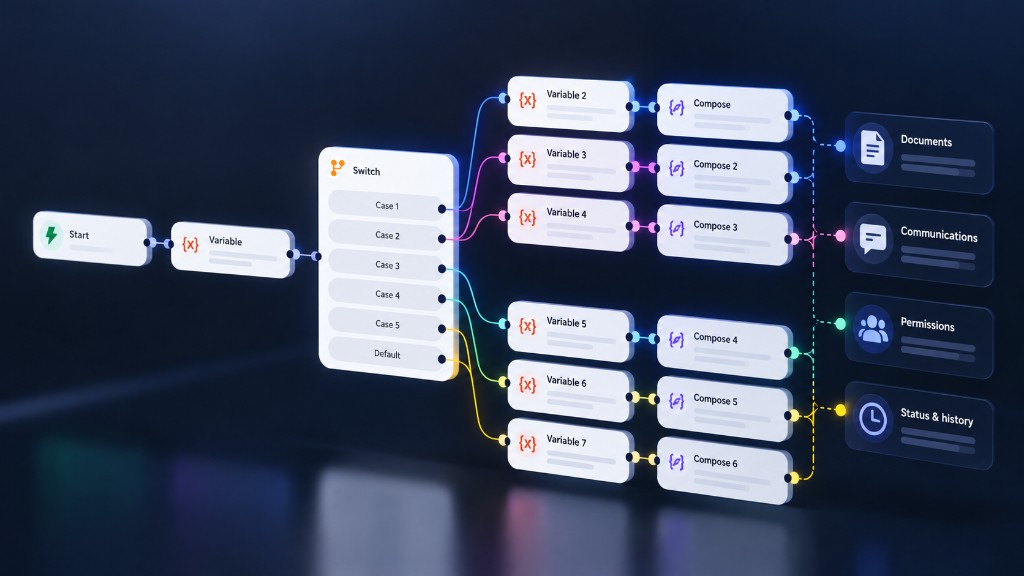
Why a SaaS product has to model ownership, status, permissions, exceptions, and the ordinary day of work, not only the charts that report on it.
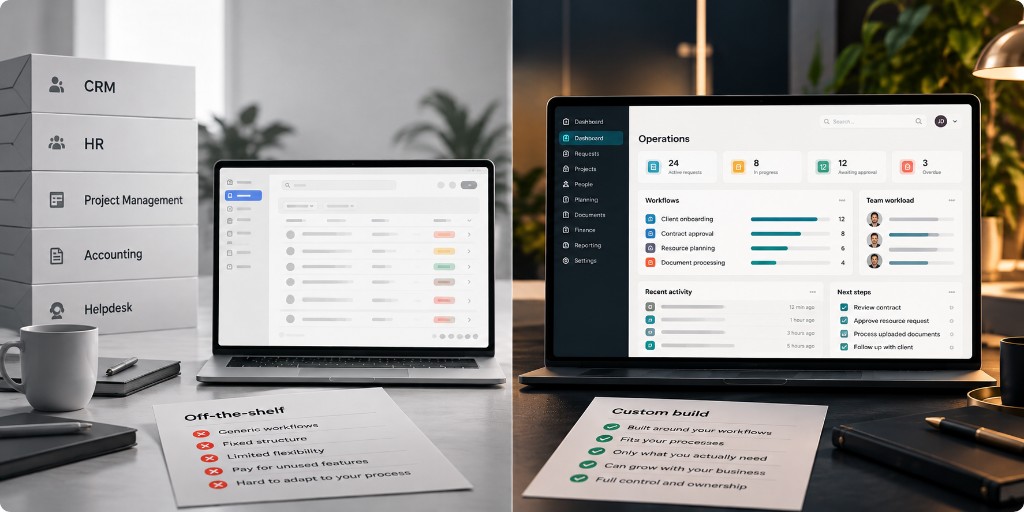
A dashboard is a view. It is often the first thing a product demo shows, because a chart is easy to recognise and a workflow is not. The trouble starts when the view is treated as the product. People do not come to software to look at a summary of work they cannot finish. They come to move something from one state to the next, with a clear owner, under rules they can trust.
If the underlying operation is vague, the dashboard becomes a well-designed report of confusion. Numbers update. Filters work. Nobody is sure who is supposed to act, what “done” means, or what happens when the ordinary path breaks. That is a product problem, and it appears long before the choice of chart library.
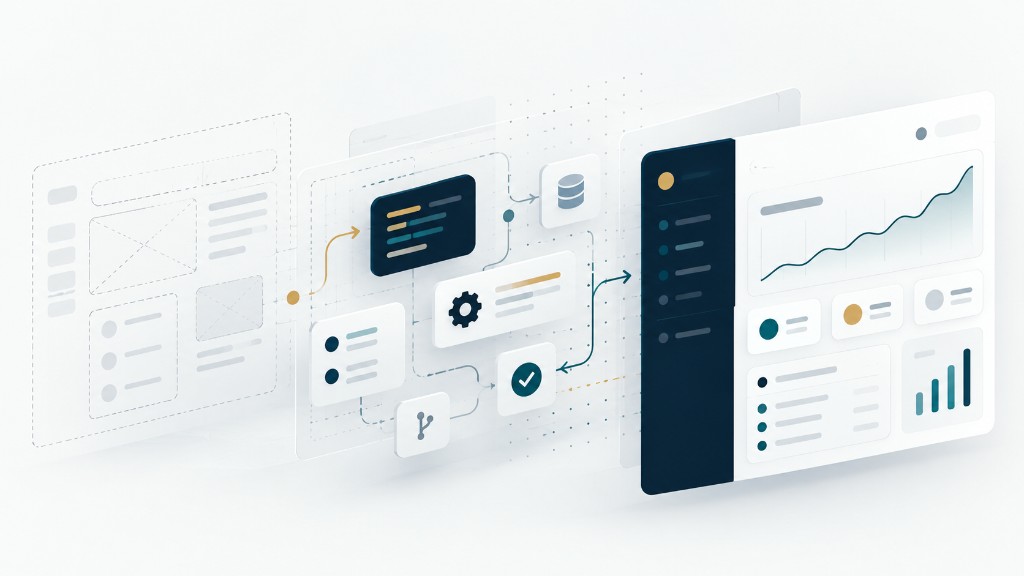
Start with the work, not the report
Before drawing a home screen, name the objects people actually handle. A request, a case, an order, a candidate, a document, an account. Then name what a person does to each one in a normal day. Create it. Assign it. Change its status. Add the missing information. Hand it to someone else. Close it. Reopen it when the close was premature.
Those verbs are the product. A dashboard can come later, as a way to see volume, delay, and bottlenecks across many of those objects. It cannot substitute for the screen where one object is handled correctly. If a step only exists in someone’s head or in a side channel, the product does not contain the operation yet.
Ownership has to be explicit
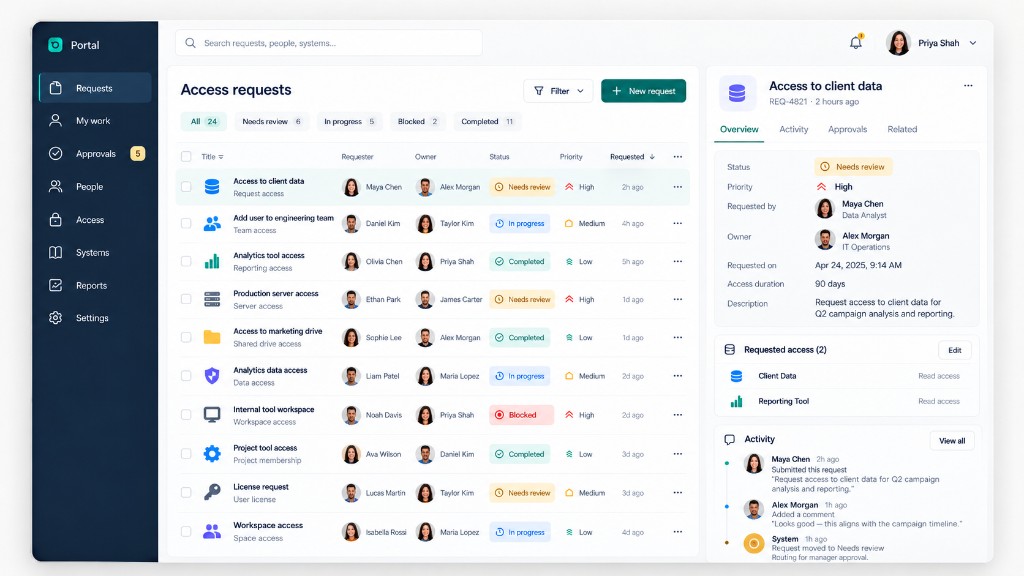
Work stalls when an item belongs to “the team” and therefore to no one. A useful product makes ownership visible and changeable. An item has a current owner. Ownership can move, and the move is an action with a time and a person attached, not a silent edit in a database column that nobody sees.
Ownership is not the same as permission. A person may be allowed to view an item, comment on it, or take a specific action without being the one responsible for the next step. Mixing those ideas produces two familiar failures. Either everyone can edit everything, and the history becomes unreliable. Or the owner is the only person who can help, and the work stops when they are away.
Design the boring cases on purpose. What happens when the owner is deactivated. What happens when a queue is unassigned. What happens when two people try to claim the same item. These are not edge decorations. They are the difference between a tool people trust on a busy morning and a tool they work around.
Status is a contract
A status is a promise about what is true and what is allowed next. “Open”, “waiting”, “done” only help if each word means the same thing to the person who sets it and the person who reads it. If “done” sometimes means “I finished my part” and sometimes means “the customer has the result”, the dashboard that counts completed items is measuring a fiction.
Model the transitions, not only the labels. From which status can a person move, and to which. Who is allowed to make that move. What information is required before it is accepted. A transition that needs a reason, a date, or a confirmation should ask for it at the moment of the change, not in a follow-up task that half the team will skip.
Keep the list short. A status model with twenty values usually describes the internal anxiety of the team that designed it, not the operation. If two statuses do not change what someone does next, they should probably be one status, with a note or a field for the detail.
Permissions follow the work
Permissions are often designed as a matrix of roles and screens. That matrix matters, but it is downstream of the operation. The real question is which actions exist, and which responsibilities justify them.
A viewer, an operator, a manager, and an administrator are only useful names if they map to real differences in the day. Who can see items outside their own queue. Who can change an owner. Who can reopen a closed item. Who can export. Who can change the rules themselves. Write those as actions on objects, then group them into roles. Starting from a generic role name and guessing the checkboxes tends to either lock people out of their own work or give broad access because the rollout is blocked.
Multi-person products also need a clear story for the organisation boundary. What one customer can never see of another is not a filter on a dashboard. It is a rule that holds in every query, every export, every notification, and every link a person might forward. If the product cannot explain that boundary in a sentence, the screens are ahead of the model.
Exceptions are the product too
The happy path is the demo. The exception is the Tuesday. A document is missing. A customer replies with new information after the item was closed. A step is blocked on a third party. Two records turn out to be the same thing. Someone acted with the wrong status and needs to undo it without destroying the history.
If the product has no designed place for these cases, people will invent one. They will keep a spreadsheet of exceptions, or they will overload a notes field, or they will mark items done so they disappear from a queue and track the truth elsewhere. Each of those workarounds is a sign that the software stopped at the diagram.
Design a small set of explicit exception paths. Waiting on someone outside the product. Needs information. Duplicate. Reopened. Cancelled, which is not the same as completed. Each path should say who is expected to act, and what brings the item back to the main flow. An exception that cannot return is just a graveyard status.
Auditability is how people trust the tool
Operations depend on being able to answer simple questions later. Who changed this. When. From what, to what. Was it a person or an automated step. A product that cannot answer those questions forces teams to treat the current screen as the only truth, which it is not. The current screen is the latest state. The truth of an operation includes how it got there.
An activity history does not need to record every hover. It needs the actions that change responsibility, status, access, or the record itself, written so a person can read them. “Status changed from waiting to open” is useful. A raw field dump is something only an engineer will open.
Auditability also disciplines the rest of the design. If a transition cannot be described in a sentence, it is probably two actions collapsed into one, or an edit that bypasses the rules. The history will show the shortcut immediately, which is the point.
Build the day, then the overview
A person should be able to open the product and know what is theirs, what is blocked, and what they can do in the next few minutes. That home is often a queue, not a chart. Charts earn their place once the queue is real: when statuses mean something, owners exist, and exceptions are visible. Then a count of ageing items, a view of load across a team, or a trend in reopened work tells the truth.
Until then, a dashboard is a costume. It can be attractive and still leave the operation in email, chat, and memory. SaaS that lasts is the software in which the day’s work can actually be done, including the awkward items, by the people who are accountable for them, with a record that still makes sense next month.